


 Reviewed by
 You know the frustration: a visitor spends ages browsing your shop, maybe even adds an item to their cart, and then leaves without buying. These aren’t just lost visitors; they’re missed revenue. But with the right online wishlist free plugin for WooCommerce, you can capture that interest.
The result? You turn a “maybe later” into a loyal customer who returns to complete the purchase.
An ecommerce wishlist is a powerful marketing tool that lets shoppers curate personal collections for holidays, weddings, or future projects. When you give them a low-pressure way to save their favorites, you keep your brand top-of-mind and prevent abandoned carts.
But with so many options available, how do you know which wishlist tool is right for your store? In this guide, we explore 7 of the best free WooCommerce wishlist plugins to help you decide. So let’s begin!
Table Of Contents
7 Best Online Wishlist Free Plugins For WooCommerce
1. SaveTo Wishlist
SaveTo Wishlist distinguishes itself by including several advanced features that are often found only in the premium versions of other plugins. While other free plugins give you limited trials, this tool gives you a comprehensive set of professional capabilities in its core free download.
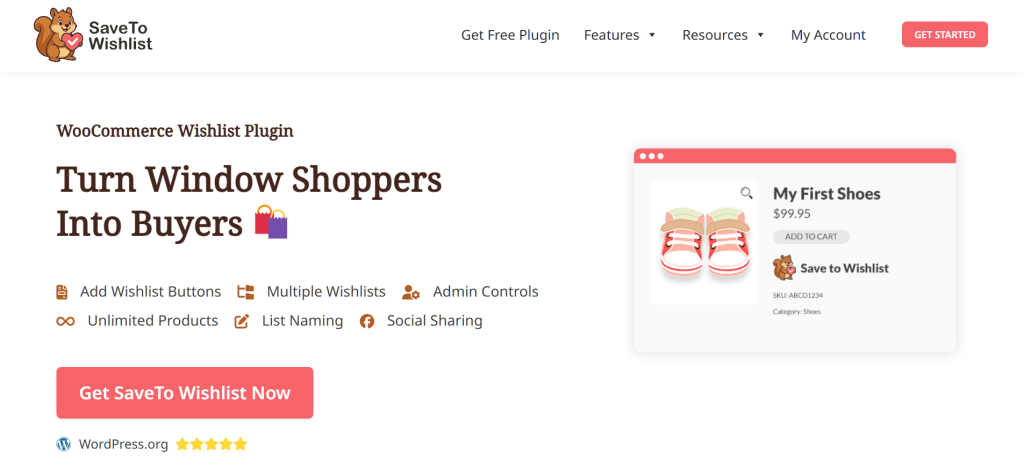
- Unlimited multiple wishlists: This plugin lets your customers manage their shopping like pros. They can create unlimited lists (e.g., “Holiday Gifts,” “Renovation Project”), share them through social media, messaging apps, or a private link. They can also rearrange items within their lists using user-friendly drag-and-drop sorting.
- Guest wishlist with auto-merge: You can make it easier for people to shop by letting guests save items without signing up. Plus, if a guest creates an account later, the plugin automatically moves their saved items to their new profile. This ensures they never lose the products they were interested in.
- Native blocks support: Unlike older tools that rely on shortcodes, this plugin uses the modern WordPress editor to let you place buttons anywhere without writing code. In addition, this architecture keeps your site lightweight and ensures fast load times.
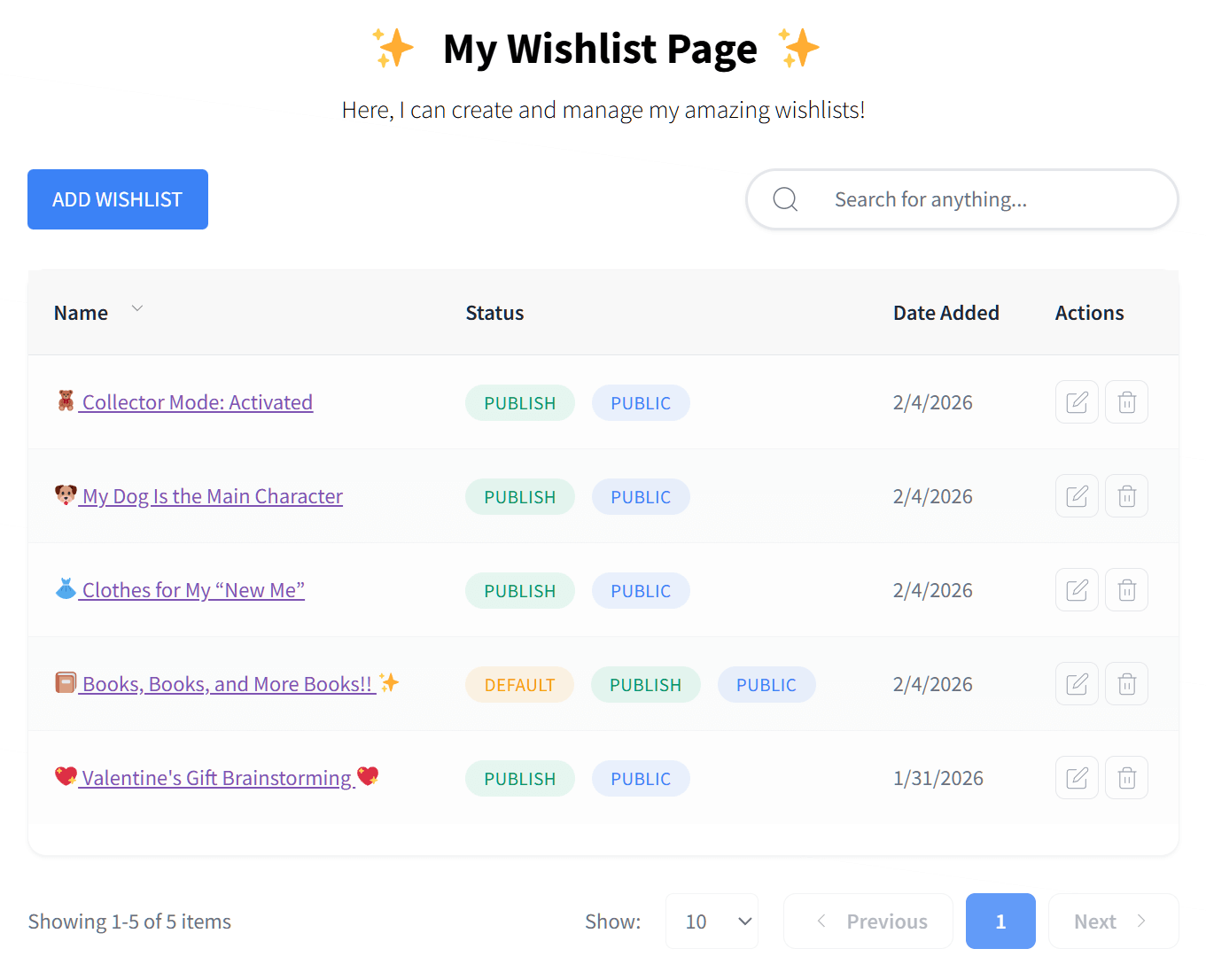
By providing access to essential tools like multiple lists, guest saving, and privacy controls, SaveTo Wishlist is a practical solution for stores of any size. It offers high-level functionality for merchants who want professional features without the recurring costs of a premium subscription.
2. YITH WooCommerce Wishlist
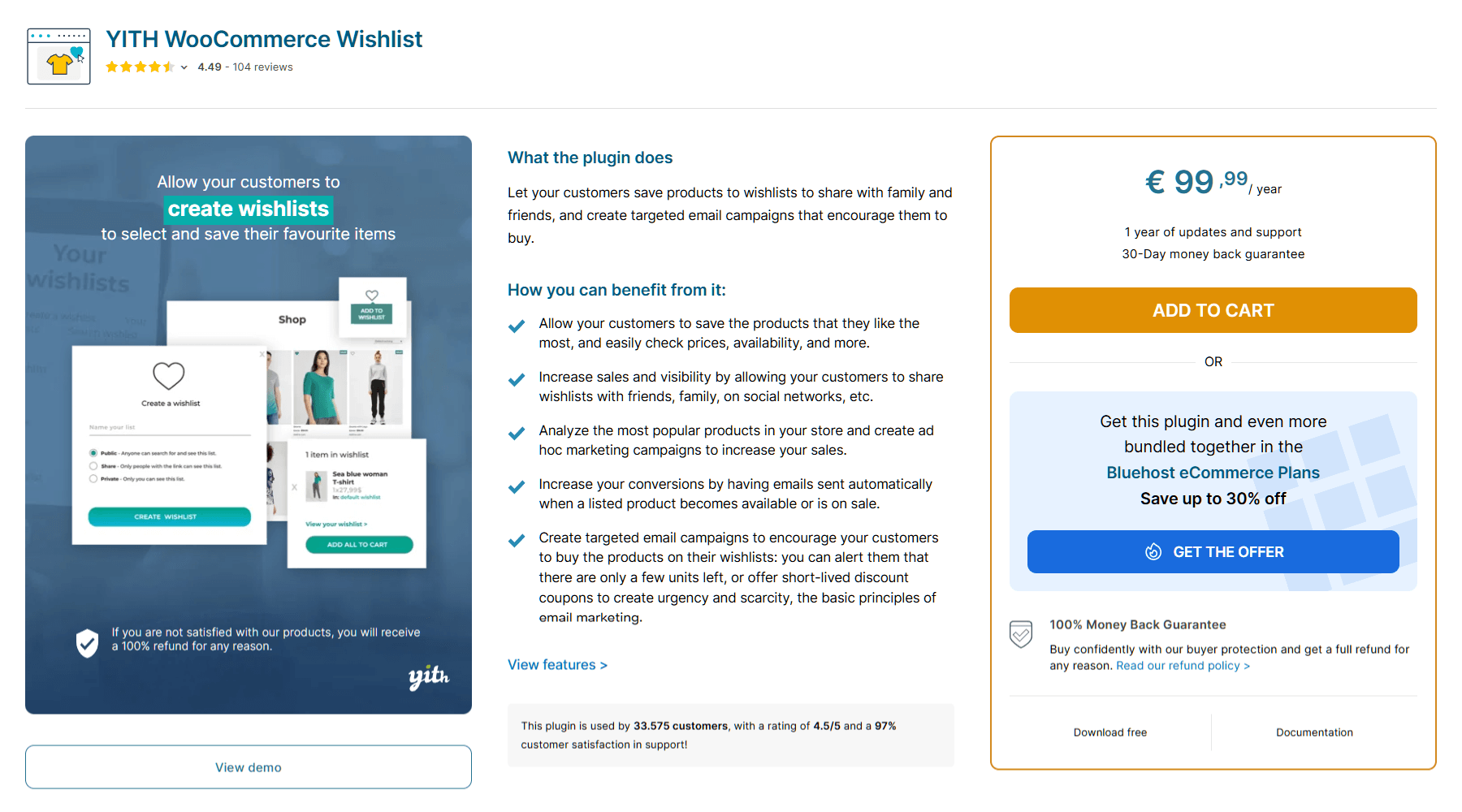
As the most famous wishlist plugin in the WordPress world, YITH WooCommerce Wishlist has been around for over a decade and maintains more than 500,000 active installations.
- Customizable table: You have control over what data shows on the wishlist page. Furthermore, you can easily toggle columns to show or hide the stock status, price, or date added, keeping the page clean and relevant.
- Social media sharing: With this online wishlist free plugin for WooCommerce, your customers can share their favorite items on sites like Facebook or X. Basically, this acts as free advertising, bringing new visitors to your site who trust the person sharing the list.
- Shortcode support: You can place the wishlist button anywhere on your site using a simple bit of text. As a result, you get to enjoy immense flexibility when you use an older theme, ensuring the heart icon appears exactly where you want it.
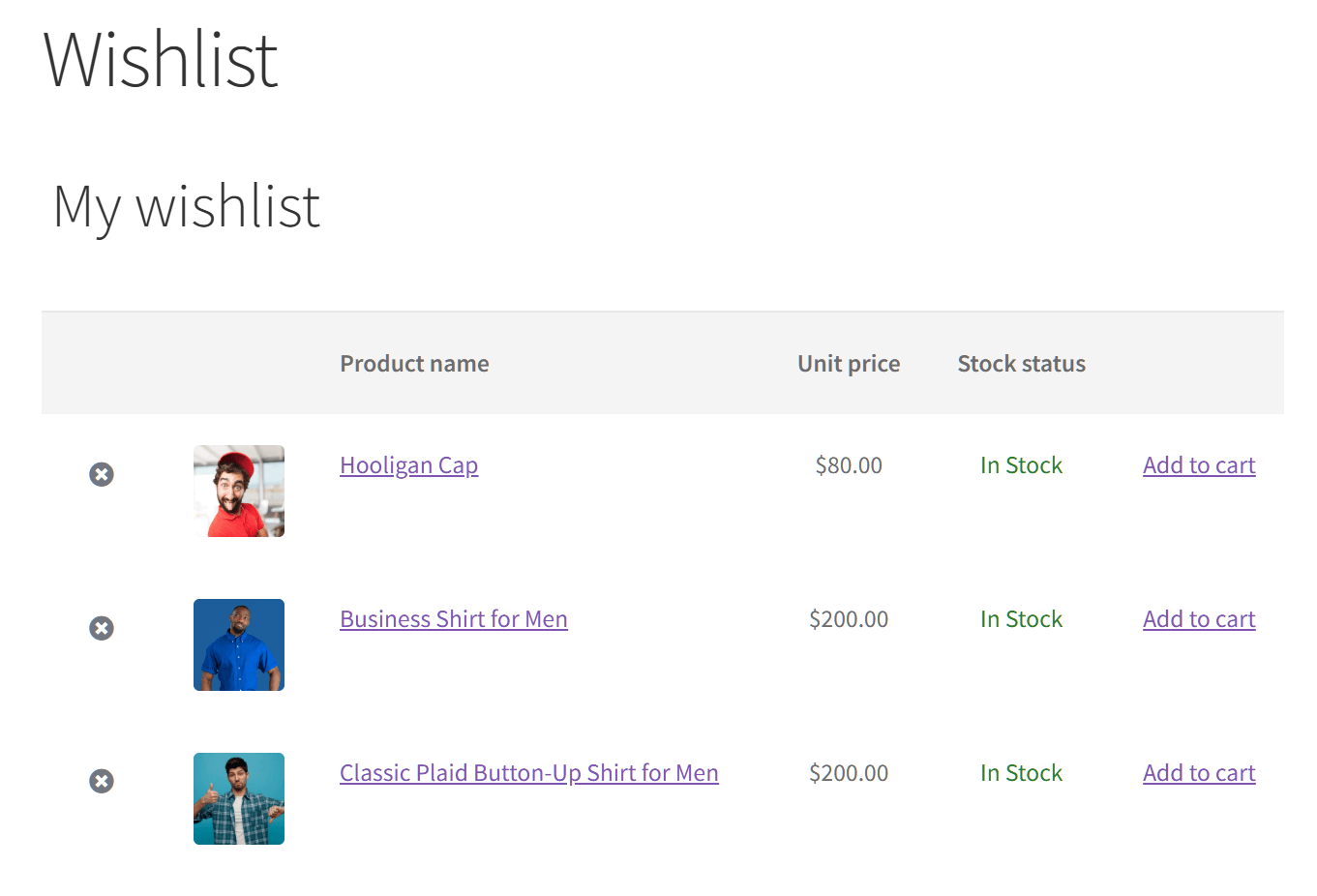
While YITH WooCommerce Wishlist is a dependable and established choice, the free version is designed for simplicity, providing one wishlist per user and standard design settings. If you need multiple lists or more granular styling control, these features are available in the premium version, which has an annual cost of €99.99 (around $118 USD as of writing).
3. WPC Smart Wishlist
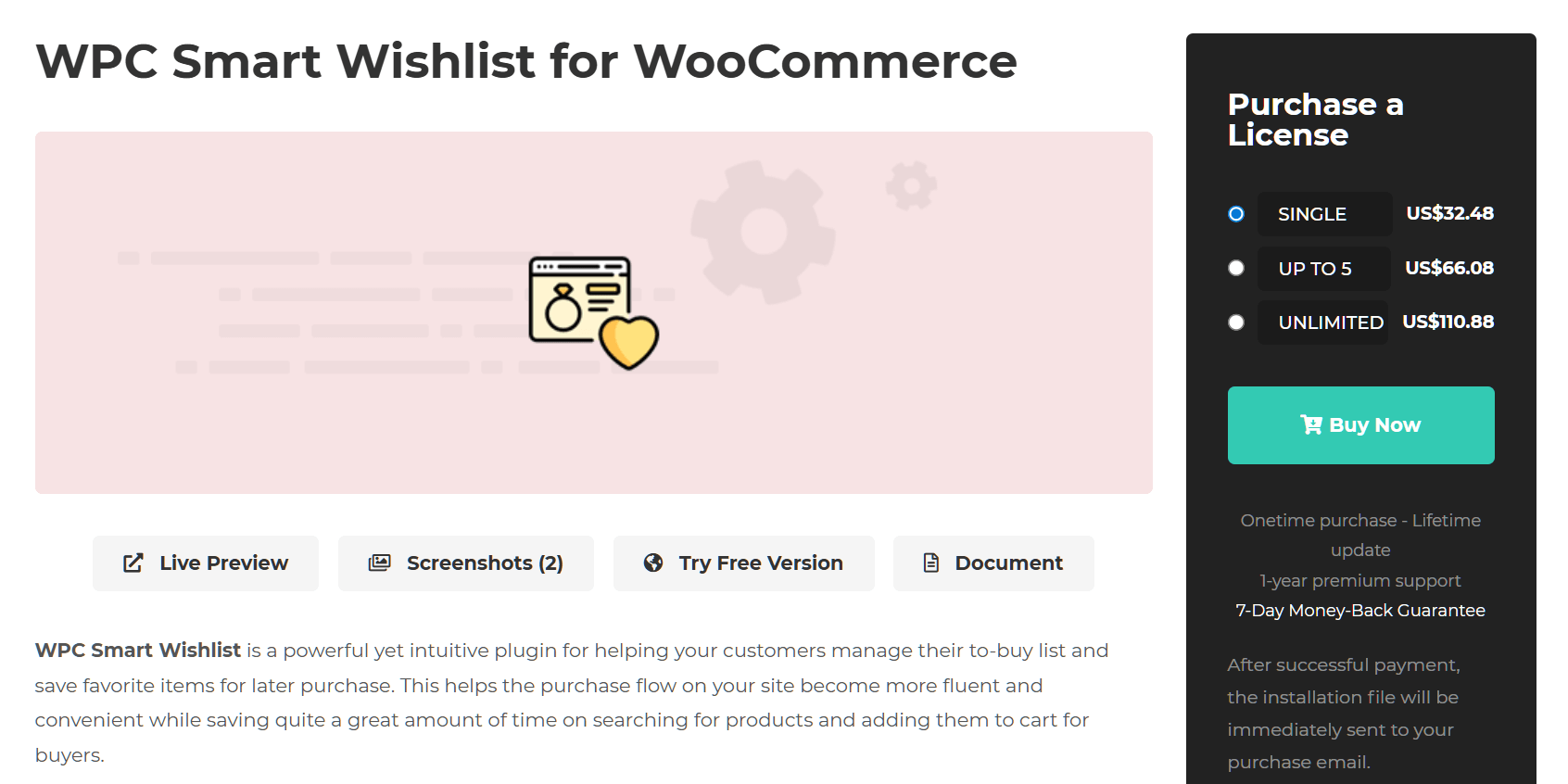
By utilizing a sleek popup window to display saved items, WPC Smart Wishlist ensures your customers never have to leave their current page to manage their wishlist. This streamlined approach keeps shoppers engaged with your products while providing immediate access to their curated collections.
- Smart Popup experience: Instead of redirecting users to a slow “My Account” page, WPC opens a snappy popup window over the current page. As a result, shoppers stay engaged with the product catalog, preventing them from losing their place.
- Extensive text customization: The plugin offers a dedicated “Localization” tab that lets you rename almost every text element without code. For example, you can easily change labels like “Add to Wishlist” to “Save for Later,” or rewrite notification messages to match your brand’s voice perfectly.
- Suggested products: A rare feature for a free plugin, WPC allows you to show “Suggested Products” (like Related or Upsell items) directly inside the wishlist popup. This helps you sell more items by showing customers products similar to what they just saved.
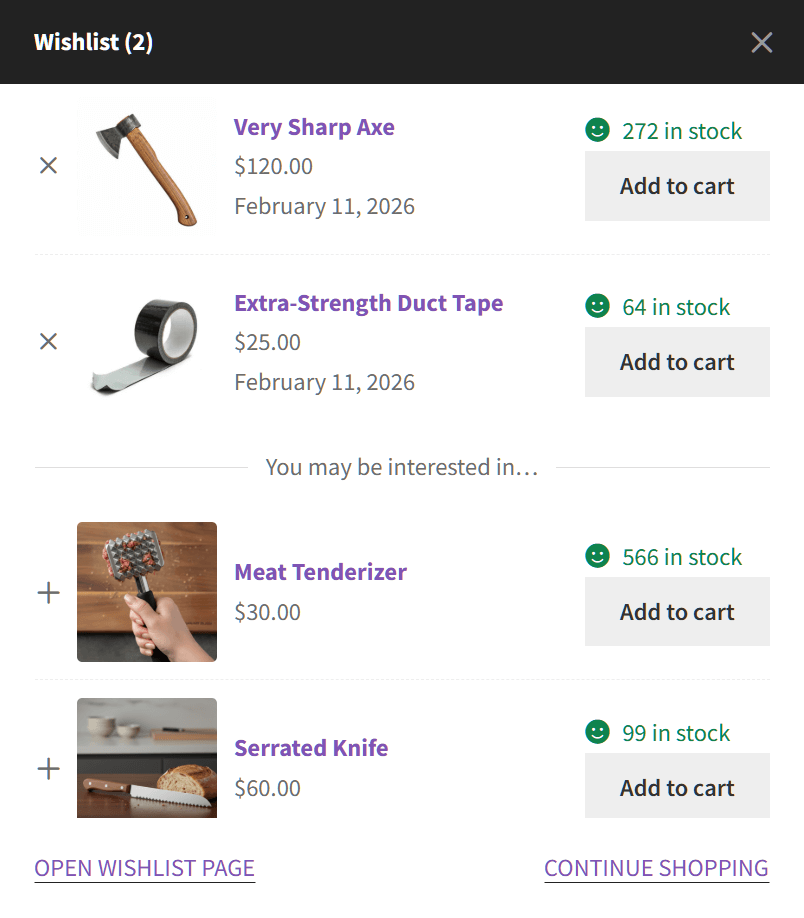
The popup style is great for speed. However, its modern look might not fit every traditional store. Nevertheless, it’s still a top choice for shop owners who want a fast, high-energy site. If you ever need more features, the premium version offers a simple $32.48 lifetime license for a single site.
4. TI WooCommerce Wishlist
When it comes to making your site look exactly how you want, TI WooCommerce Wishlist is one of the finest online wishlist free plugins. While others often reserve these settings for paid plans, this tool gives you detailed control over your wishlist’s look for free.
- Advanced button positioning: You aren’t stuck with just one location for the “Add to Wishlist” button. The free version lets you pick from several ready-made spots to place your wishlist button. Alternatively, you can use a shortcode to place the button exactly where you want it on your product pages.
- Customizable wishlist table: You have full control over what information appears on the wishlist page. You can easily toggle columns on or off to show or hide details like the product price, stock status, or date added. This lets you keep the page clean or strictly informative, depending on your needs.
- Style options: You can customize the look of the “Add to Wishlist” button directly in the settings. Moreover, you can choose from a library of predefined icons or upload your own custom icon. You can even switch between a “Button” or “Link” style to match your theme’s design.
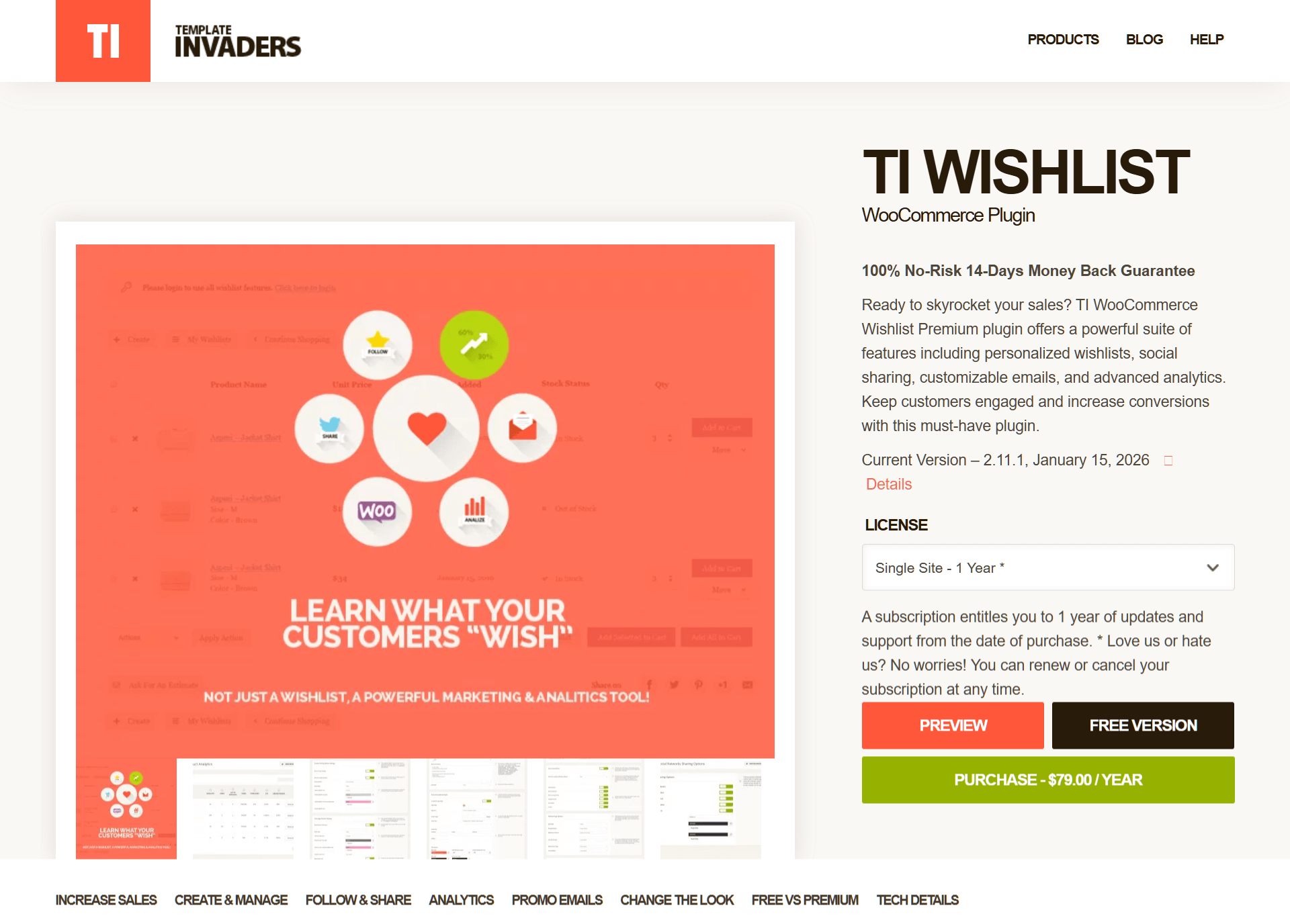
The free version is quite strong, but it will show some ads for the pro version in your dashboard. You also can’t see which products are most popular without upgrading. The premium version starts at $79 per year for one site.
5. MoreConvert WooCommerce Wishlist
MoreConvert WooCommerce Wishlist is designed for store owners who want to use wishlists as a tool to grow their business rather than just a simple list. While many other plugins only give you basic features, this one includes “pro-level” marketing tools directly in the free version.

- Marketing automation: Unlike most free plugins that simply store items, MoreConvert lets you send automated emails to customers with wishlists. You can trigger a reminder or a promotional offer to nudge them back to your store to complete the purchase.
- PDF export: A standout feature for B2B or wholesale stores, this tool allows customers to download their entire wishlist as a professional PDF document. This is perfect for users creating “gift registries” or project lists to share offline or via email.
- Elementor integration: If you build your site with Elementor, this plugin offers dedicated widgets for the wishlist page, buttons, and counters. You can drag-and-drop your wishlist layout exactly how you want it without needing to use shortcodes or CSS.
The free version offers solid marketing tools for no cost. Thus, it’s a smart choice if you want to use your wishlist data to help increase sales. If your store grows and you need more, the Premium version (around $89 per year) adds features like unlimited email reminders and even more detailed reports on what customers are saving.
6. WishSuite
For those looking for a simple, all-in-one free plugin, WishSuite is a straightforward choice. While many other tools reserve their advanced settings for a paid version, this online wishlist free plugin includes its entire feature set in the initial download.

- No premium restrictions: Since there’s no paid version, you get full access to advanced features that other plugins often charge for. This includes customizing the wishlist table columns (e.g., hiding stock status or adding images) and styling the buttons without needing to upgrade.
- Extensive social sharing: While many free plugins limit sharing to just Facebook or X, WishSuite goes much further. It includes built-in support for WhatsApp, Telegram, Reddit, and LinkedIn. Basically, this allows your mobile customers to instantly share products on the apps they use most.
- Flexible placement: This plugin is excellent for site builders who want total control. It provides dedicated shortcodes (like
[wishsuite_table]and[wishsuite_counter]) that let you place the wishlist table anywhere on your site, not just on the default pages.
If you’re looking for a wishlist that’s easy to install and doesn’t have locked features, WishSuite is a functional way to get started. It’s a good fit for small shops that only need the most essential tools and want a quick, no-frills solution for their customers.
7. Premmerce WooCommerce Wishlist
A simple plugin for store owners who care more about how a tool works than how it looks, Premmerce WooCommerce Wishlist doesn’t have the fancy design editors that other plugins offer. However, it focuses on the most important parts of a wishlist system and includes some helpful features for free.

- Multiple wishlists per user: This is the plugin’s main feature. While many free plugins only allow one list, Premmerce lets customers create several. They can name their lists things like “Birthday Ideas” or “Office Gear” and move products between them.
- Admin wishlist viewing: As the store owner, you can see all the wishlists your customers create right from your dashboard. This helps you understand which products are popular so you can plan better sales.
- Shareable URLs: Instead of using social media buttons, this plugin creates a unique link for every wishlist. Customers can copy and paste this link to send it to friends or family through any app or email.
This plugin is ideal for those who want a simple way to offer multiple lists for free. In fact, it’s a trusted tool used by many store owners to manage their collections. However, larger businesses might prefer a more modern plugin with better support and more frequent updates.
Which Online Wishlist Free Plugin Should You Choose?
After comparing every tool on this list, it’s clear that SaveTo Wishlist offers the most value. This is because it gives you advanced tools for free that other plugins usually charge for.
Many plugins reserve their best features for paid plans. However, SaveTo Wishlist includes many professional tools in its basic version. For example, it offers:
- Multiple lists per user: Customers can create and manage as many lists as they want.
- Guest wishlists: Visitors can save items even if they don’t have an account yet.
- Seamless auto-merge: If a guest shopper decides to sign up later, the plugin automatically moves their saved items to their new account. This ensures they never lose their progress.
- Flexible design and placement: You can choose from various button styles to match your store’s brand. You can also pick the best spot for your button, such as near the “Add to Cart” button or right on the product image.
- Custom list names: Shoppers can rename or delete their lists at any time to stay organized.
- Easy quantity updates: Users can change how many of an item they want without leaving the wishlist page.
- Drag-and-drop sorting: Items can be moved around so that a customer’s favorite products stay at the top.
- Move items between lists: A simple button lets users transfer products from one list to another quickly.
- Save your cart: With a single click, shoppers can return all items in their cart to their wishlist if they aren’t ready to buy yet.
Built for modern stores
In addition to these features, the plugin is built with modern technology. It works perfectly with the latest WooCommerce Blocks and uses a “lightweight” design. As a result, your site stays fast and smooth.
Some older plugins rely on “heavy” code that might slow down your pages. Choosing a modern tool like SaveTo Wishlist ensures your store remains quick and easy for customers to use.
Conclusion
Choosing the right wishlist plugin depends on your goals. By choosing a powerful yet easy-to-use tool, you make it simpler for customers to save what they love and return to your store to buy it later.
This guide explored the following online wishlist free plugins for WooCommerce:
- SaveTo Wishlist
- YITH WooCommerce Wishlist
- WPC Smart Wishlist
- TI WooCommerce Wishlist
- MoreConvert WooCommerce Wishlist
- WishSuite
- Premmerce WooCommerce Wishlist
Overall, SaveTo Wishlist is our top pick for most WooCommerce stores. It stands out because it gives you professional tools for free that other plugins usually require a paid upgrade to use. With features like guest saving, multiple lists, and easy design settings, it provides everything you need to create a high-end shop. Furthermore, its modern design keeps your site running fast.
So, are you ready to try SaveTo Wishlist? Download it for free now and see how it can boost your business!
Online Wishlist Free Plugin FAQs
What is an ecommerce wishlist and why is it useful for my WooCommerce store?
An ecommerce wishlist is a tool that allows shoppers to save their favorite products for future reference, such as for holidays, weddings, or projects. Basically, it helps keep your brand top-of-mind, reduces abandoned carts, and encourages customers to return and complete their purchases.
Can I add multiple wishlists per customer with these plugins?
A few online wishlist free plugins, including SaveTo Wishlist and Premmerce WooCommerce Wishlist, let customers create and manage multiple wishlists for better organization and sharing.
Which online wishlist free plugin for WooCommerce offers the most features for my store?
SaveTo Wishlist offers many advanced features for free. For example, it offers multiple lists, guest wishlists with auto-merge, native block support, and more.
Will using a wishlist plugin slow down my WooCommerce store?
Many modern wishlist plugins like SaveTo Wishlist are built with lightweight, up-to-date technology that keeps your site fast and smooth, unlike older plugins that might rely on heavy code and slow down your store.


