

 Reviewed by
 If you ran Iconic’s Wishlists for WooCommerce plugin and noticed that iconicwp.com now redirects to Liquid Web, the short version is that the plugin’s brand is gone, and the product is being absorbed into the Kadence Shop Kit. Your existing installation, whether it’s a WooCommerce wishlist plugin or a promotional tool, still works. However, you no longer have the standalone product page, support model, or roadmap attention you originally purchased.
For a feature as small-but-stubborn as wishlists, the consolidation matters. Wishlist plugins solve a focused job (let customers save items, share lists, come back later) and the difference between a plugin that quietly drives 5-10% of repeat purchases and one that doesn’t comes down to specific features: guest support, sharing, analytics, performance.
If Iconic’s product is now one feature in a Kadence bundle rather than a maintained standalone, the right move is to evaluate a credible WooCommerce wishlist plugin that’s actively focused on the job. For this reason, today’s roundup covers the best options on the market in 2026, starting with the one we built (SaveTo Wishlist) and including the major alternatives.
Table Of Contents
- Why The Iconic Shutdown Matters For Wishlist Users
- SaveTo Wishlist (Our Plugin)
- YITH WooCommerce Wishlist
- TI WooCommerce Wishlist
- WooCommerce Wishlists (by WooCommerce.com)
- Feature Comparison
- How To Choose After Iconic’s Shutdown
- Frequently Asked Questions
- Pick The WooCommerce Wishlist Plugin That Matches Your Actual Job
Why The Iconic Shutdown Matters For Wishlist Users
Wishlists for WooCommerce was a steady performer in Iconic’s catalog. It wasn’t their headline product. However, it was a clean, focused tool that store owners installed once and ran for years.
That kind of plugin is exactly the type that gets quietly deprioritized inside a bundle. The team that owned its roadmap was Iconic’s. Now it’s Kadence’s, and Kadence’s headline jobs are theme + page-builder, not wishlist UX.
A few specific things to watch over the next quarter if you keep Iconic’s plugin installed:
- Update cadence. Standalone Iconic shipped Wishlists for WooCommerce updates on a predictable cycle. Inside a bundle, that cycle gets longer.
- Feature priority. Sharing improvements, analytics depth, guest-flow edges (the things that compound a wishlist plugin’s value) compete with broader Kadence Shop Kit priorities.
- Bundle-only access. Watch for changes that make Iconic’s wishlist available only as part of the Kadence Shop Kit purchase. Standalone licensing for niche plugins tends to disappear in consolidations.
If wishlists drive real revenue on your store (repeat visits, save-for-later patterns, gift registries), the predictable update cycle of a dedicated wishlist plugin matters. Below are the WooCommerce wishlist plugins worth evaluating in 2026.
SaveTo Wishlist (Our Plugin)
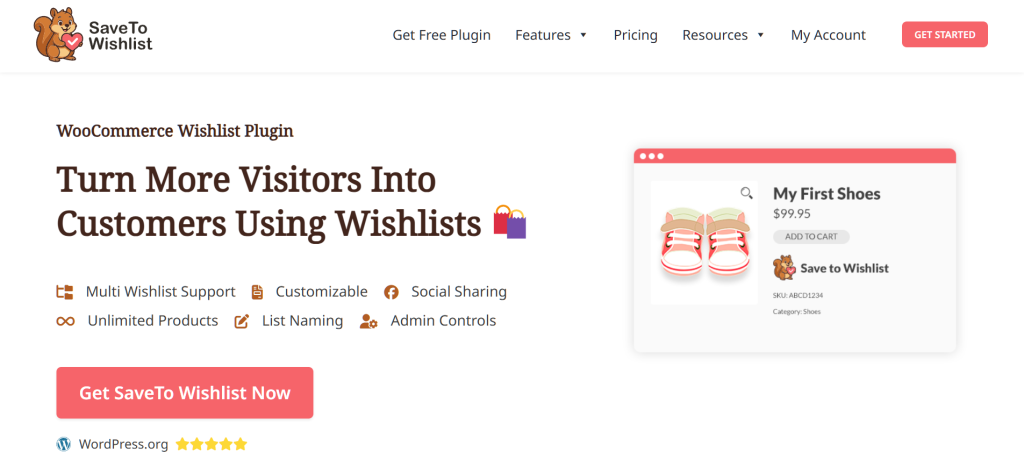
SaveTo Wishlist is the wishlist plugin we built, and it’s the most direct functional successor to Iconic’s Wishlists for WooCommerce. The plugin covers the standard wishlist job (save items, return later, add to cart). Furthermore, it adds various differentiators that matter for the post-Iconic shopper, including:
- Guest wishlist support. Visitors can save products without creating an account. When they later sign up, their saved items merge into the account automatically. This is the single biggest conversion-impact feature most legacy wishlist plugins miss, and it’s verified in our plugin code.
- Shareable wishlists with URL codes. Every wishlist generates a unique shareable URL. Customers send the link to friends, family, or wedding-party members without anyone needing an account. Visibility is configurable: public, private, or shared by email.
- Multiple wishlists per customer. Customers run separate lists for different purposes (gift registry, save-for-later, comparison shopping). Each list has its own visibility settings and sharing options.
In our own testing, the guest-flow piece tends to surprise store owners the most. When we install SaveTo Wishlist on stores migrating off Iconic, the guest-wishlist activity (anonymous saves that later convert to accounts) shows up in the first week. Pro-tier analytics tracks the conversion path so the value is measurable rather than assumed.
The plugin runs lightweight (no database bloat, no theme conflicts on Storefront / Astra / GeneratePress / Blocksy in our testing) and integrates with the standard WooCommerce checkout. No proprietary checkout fork, no separate flow customers have to learn.
YITH WooCommerce Wishlist
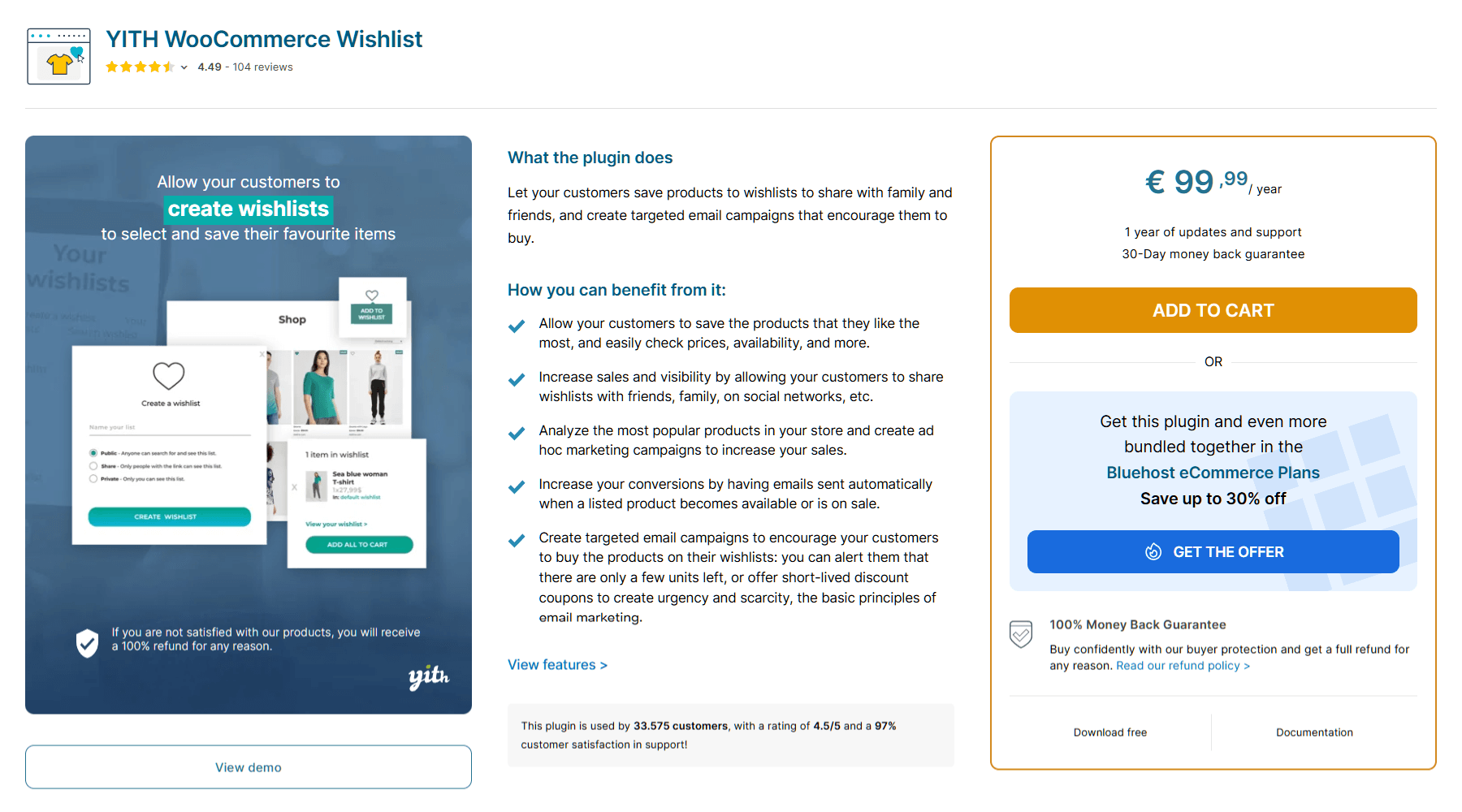
YITH WooCommerce Wishlist is the long-standing leader in the WooCommerce wishlist plugin category by user count. It covers the standard feature set: customers create wishlists, save products, share via URL, and add items to cart. The free version is available on WordPress.org; the premium adds features like Ask An Estimate, multiple wishlists, and analytics.
YITH’s strength is its broad install base and the YITH-ecosystem integration (works with their other plugins like membership and reward points). The trade-off is plugin weight: YITH plugins are known for being heavier than the niche-focused alternatives, and stores with strict performance budgets often migrate off YITH after their first Lighthouse audit. For a wishlist plugin specifically, that performance cost can be hard to justify when lighter options cover the same feature surface.
TI WooCommerce Wishlist
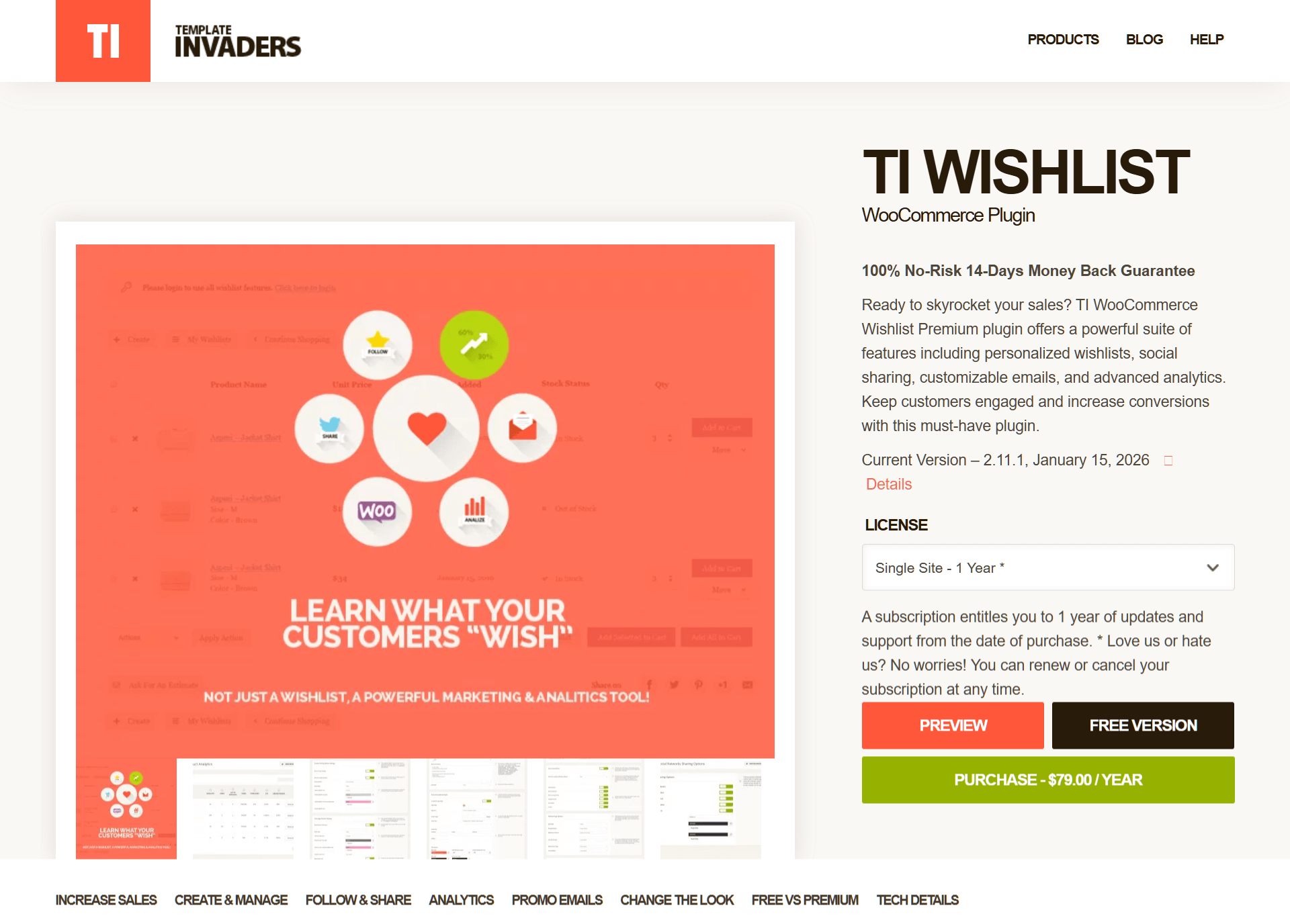
TI WooCommerce Wishlist is a free + premium plugin with a solid wishlist feature set covering multiple wishlists, sharing, and a clean admin interface. It’s been actively maintained and has a credible install base. For stores that want a simple, focused wishlist for WooCommerce without venturing into a paid ecosystem like YITH or Iconic, TI is the most common recommendation.
The trade-off is roadmap velocity. TI ships updates, but the development team is small, and feature requests tend to wait longer than they would with a more resourced team. For stores that need active feature development on the wishlist surface (custom analytics, gift registry workflows, deep integrations), TI’s pace can feel slow.
Wishlists For WooCommerce
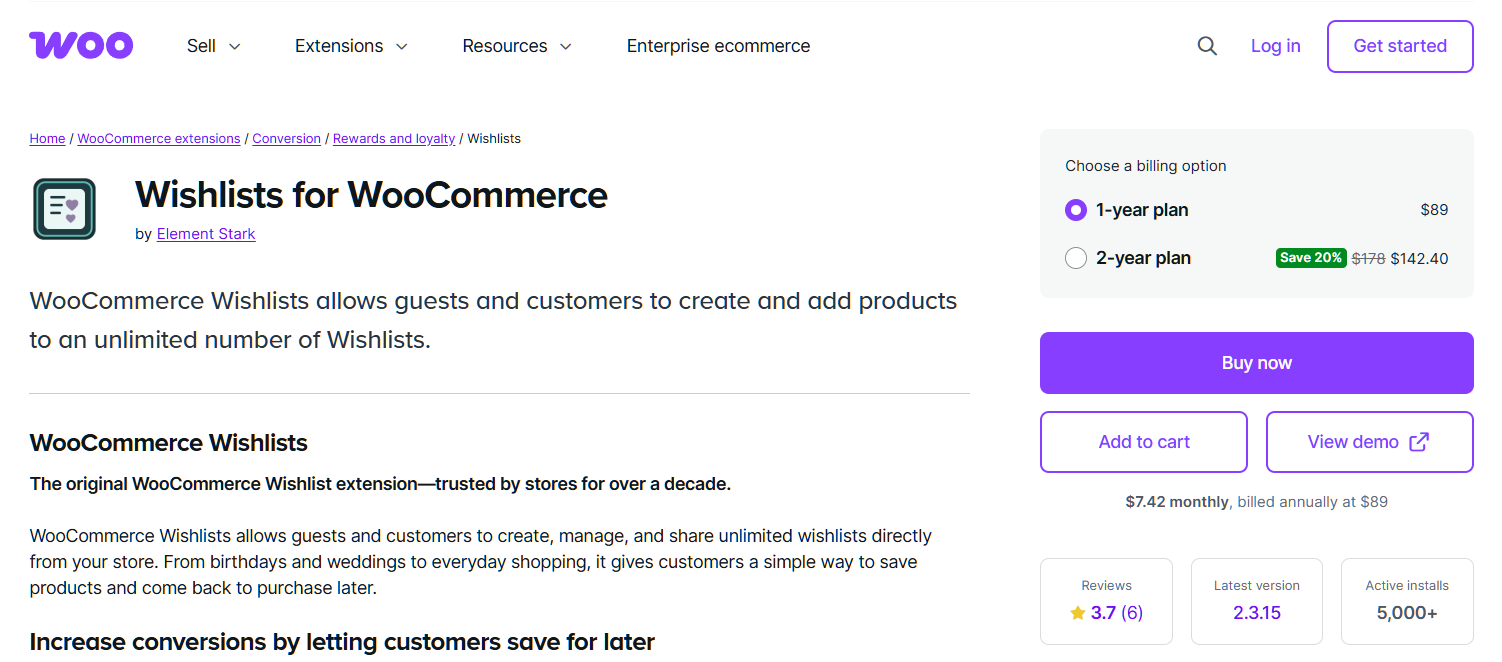
WooCommerce.com sells Wishlists for WooCommerce, their official wishlist plugin, as part of their extension marketplace. The integration is clean (it’s a first-party plugin, so WooCommerce updates are coordinated) and the support flows through WooCommerce.com’s standard channels. The feature surface is more conservative than the third-party options: standard wishlist functionality, customer accounts required, and no built-in guest flow.
This is the safe choice for stores that want everything through one vendor and don’t need the differentiators (guest wishlists, deep analytics, sharing options) that third-party plugins offer. The premium cost is in line with WooCommerce.com’s other extensions, which tend to be higher than equivalent third-party options.
Feature Comparison
Quick reference for the four options above:
| Feature | SaveTo Wishlist | YITH | TI | WooCommerce.com |
| Guest wishlist support (no account required) | ✓ (Auto-syncs to account) | ✓ (Cookie-based) | ✓ (Cookie-based) | ✗ |
| Multiple wishlists per customer | ✓ (Free) | ✓ (Premium) | ✓ (Premium) | ✗ |
| Shareable URL codes | ✓ | ✓ | ✓ | Limited |
| Public / private visibility per list | ✓ (Free) | ✓ (Premium) | ✓ (Premium) | ✗ |
| Built-in analytics on conversion | ✓ (Pro) | ✓ (Premium) | ✓ (Premium) | ✗ |
| Plugin weight (performance impact) | Light | Heavier | Light | Light |
| Active roadmap pace (2026) | Active | Active | Slower | Conservative |
The feature that most stores care about for wishlist conversion is guest support + sharing + analytics. SaveTo Wishlist leads on those three jobs, and its lightweight footprint plays well with the performance-conscious WooCommerce themes (Blocksy, Astra, Storefront, Kadence) that dominate modern installs.
🔍️ What we’ve seen: Stores that depended on Iconic’s Wishlists for WooCommerce often didn’t realize how many of their save-to-purchase conversions came from the guest path until they audited the data. When we set up SaveTo Wishlist on stores migrating off Iconic, the first thing we look at is the percentage of wishlist creations that happened from a non-logged-in session. On most stores, that number is 30-50% of total wishlist activity. If your replacement plugin requires customer accounts to save items, you lose every one of those conversions on day one of the swap.
How To Choose After Iconic’s Shutdown
For most stores migrating off Iconic, the decision tree is short:
- If you depend on guest wishlists or sharing: SaveTo Wishlist or YITH (premium). SaveTo Wishlist is lighter and the guest flow is built into the free tier rather than gated to premium.
- If you want everything through WooCommerce.com: WooCommerce.com’s official Wishlists extension. Conservative feature surface but simplest vendor relationship.
- If you want a free option and can wait on feature velocity: TI WooCommerce Wishlist.
- If you’re already in the YITH ecosystem: YITH’s plugin is the cleanest stay-in-ecosystem move, with the caveat that the plugin weight cost is real.
A clean migration sequence (regardless of which plugin you pick) looks like this:
- Audit current wishlist data. Export the wishlist database from Iconic’s plugin so you know how many active lists and items you’d carry forward. SaveTo Wishlist and most alternatives offer importer flows for common formats.
- Install the new plugin on staging. Configure to match your current setup: guest support on/off, sharing visibility, list display style. Run a few real wishlist creations.
- Map theme + child-theme overrides. If your current Iconic install had custom CSS or template overrides for the add to wishlist button placement, replicate those before going live.
- Run the importer on staging. Migrate the wishlist data from Iconic’s tables into the new plugin’s tables. Verify customer accounts retain their saved items.
- Switch traffic + monitor. Activate the new plugin on production. Watch wishlist activity for one week before deactivating Iconic’s plugin.
If you want help with the migration, the SaveTo Wishlist team is onboarding Iconic refugees this week and will walk through your specific setup before you commit.
FAQs: Best WooCommerce Wishlist Plugin
Will Iconic Wishlists for WooCommerce stop working?
Not immediately. Your existing installation continues to function. The change is operational: the plugin is being absorbed into Kadence Shop Kit, and the standalone product roadmap is over. Update cadence and support response times are the metrics to watch.
Can I import my Iconic wishlist data into a new plugin?
For SaveTo Wishlist, yes. We offer an importer for common wishlist plugin data formats. For other replacement plugins, importer availability varies. Run the import on staging first to verify data integrity.
Do I need to migrate today?
No. There’s no immediate technical forcing function. The reason to evaluate alternatives within the next month or two is roadmap uncertainty: niche features inside bundles tend to drift down the priority list, and you want a calm migration window rather than a forced one.
Does SaveTo Wishlist work with my theme (Blocksy, Astra, Storefront, Kadence, etc.)?
Yes. We’ve tested across the major performance-conscious themes including Blocksy, Astra, Storefront, GeneratePress, and Kadence. The plugin uses standard WooCommerce hooks for button placement. It also integrates cleanly without theme-specific overrides.
What’s the difference between guest wishlists and account wishlists?
A guest wishlist lets a visitor save products without creating an account. When they later sign up or log in, the saved items merge into their account automatically. Account wishlists require login first, which means you lose every save attempt from a not-yet-registered visitor.
Is SaveTo Wishlist available as a free or paid plugin?
Both. Basically, the free tier covers the standard wishlist job including guest support with auto-account merge and multiple wishlists. Meanwhile, the Pro tier adds analytics, advanced sharing, and advanced sharing and permissions tools. Moreover, it comes with a full money back guarantee so you can test it on your store risk-free.
Pick The WooCommerce Wishlist Plugin That Matches Your Actual Job
Iconic’s shutdown isn’t the kind of event that breaks your store overnight. It’s the kind that changes the operational model around a tool you depend on, which means the right response is calm evaluation rather than reactive switching.
For most WooCommerce stores running a wishlist plugin, the job hasn’t changed: customers save items, share lists, and come back to convert. The plugin that does that job best in 2026 is the one with active, focused roadmap, guest support, sharing depth, and lightweight performance.
Here is the practical shortlist for this week:
- Confirm what changed at Iconic and decide whether to wait or evaluate.
- Compare SaveTo Wishlist against the alternatives on the features that drive your conversions.
- Use the migration sequence to plan a calm cutover.
Do guest wishlist support, sharing, or analytics matter to your conversion path? Then check out SaveTo Wishlist’s full feature set and pricing. We’ll also help you decide if it’s the right swap before anything changes upstream at Liquid Web.



