
Selling products with custom option fields through Advanced Product Fields? SaveTo Wishlist makes sure shoppers still choose those options when they move a wishlist item to the cart. This article explains how the two work together.
Before you start
- Advanced Product Fields installed and active.
- One or more products set up with Advanced Product Fields option fields.
- SaveTo Wishlist active. The integration runs automatically, there are no settings to configure.
How it works
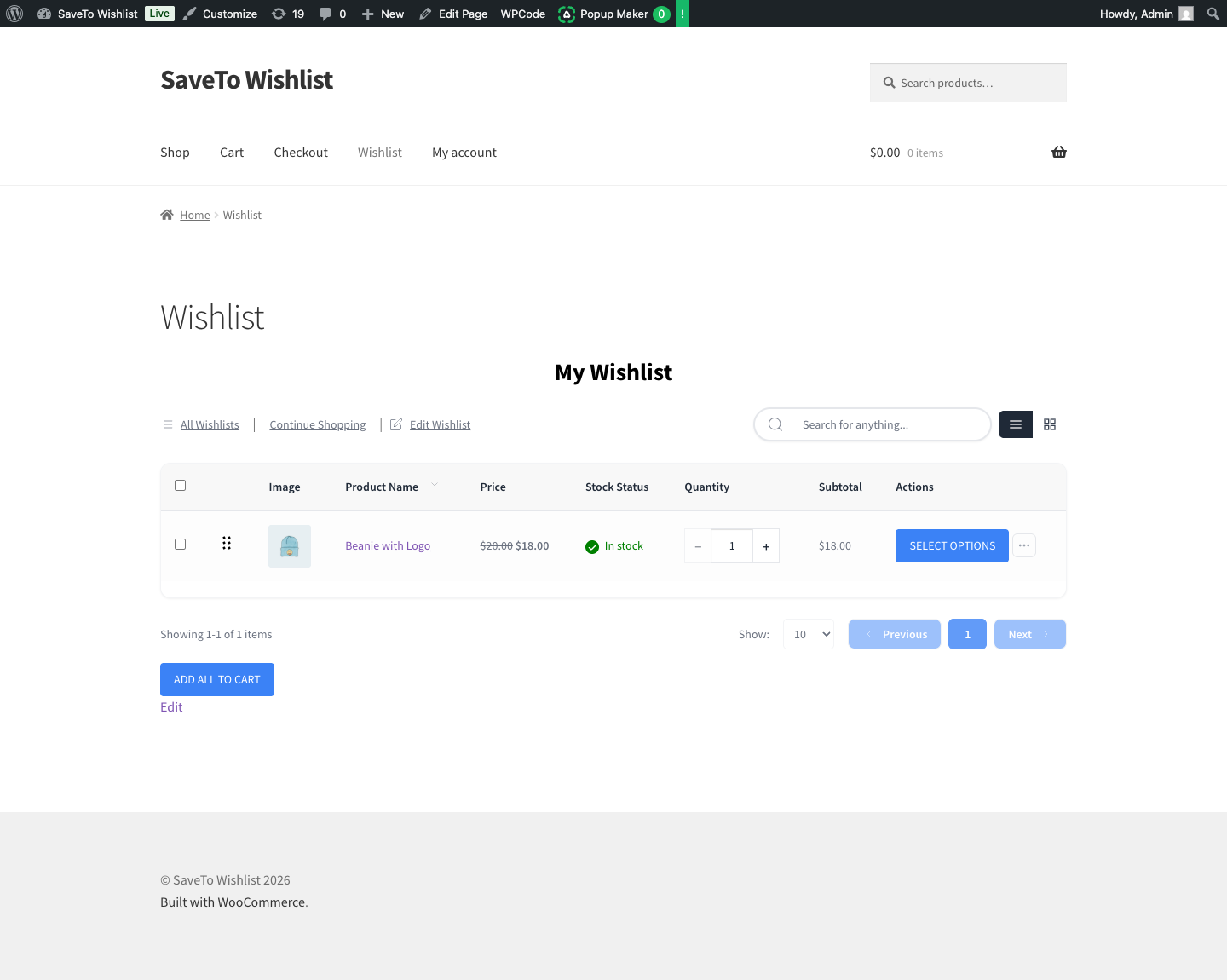
Some products need choices made before they can be bought, such as a size, an engraving, or an uploaded file. When a product has Advanced Product Fields option fields, SaveTo flags it as needing configuration.
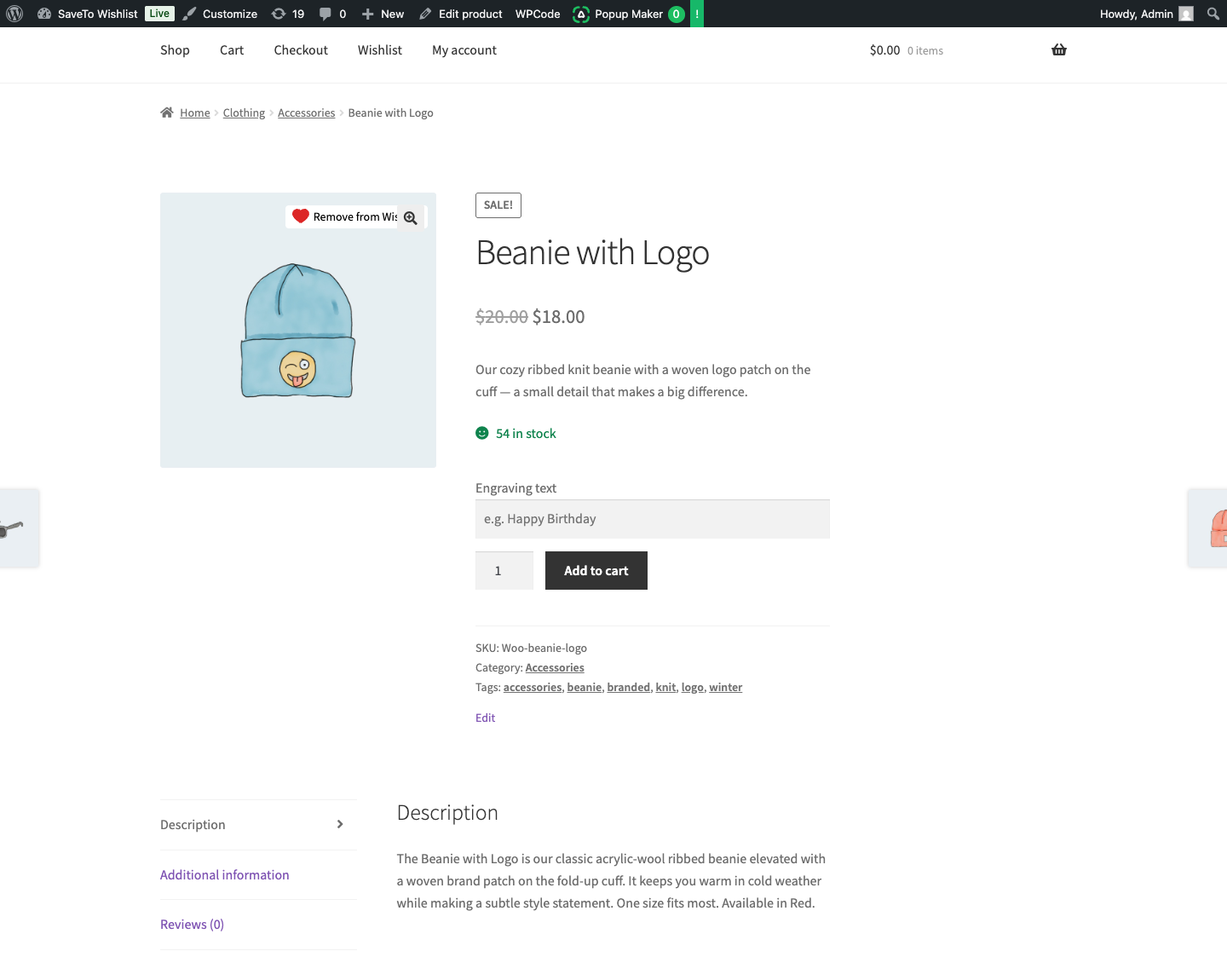
Because of that flag, adding the product to the cart from the wishlist sends the shopper to the product page instead of adding it straight away. There they can fill in the option fields and add the product with their choices, so nothing important is skipped.
Frequently asked questions
Why does the wishlist send me to the product page?
So you can choose the product’s options. Adding it directly would skip those required choices.
Does the wishlist remember my option selections?
You make the selections on the product page when you add the item to the cart. The wishlist keeps the product saved so you can return to it any time.
Do products without option fields behave differently?
No. Only products that carry Advanced Product Fields option fields are routed to the product page. Everything else adds to the cart as usual.
Need help?
If you have a question or run into any issues, we’re here to help.
- Premium users: Open a support ticket
- Free users: Visit our community forum

